
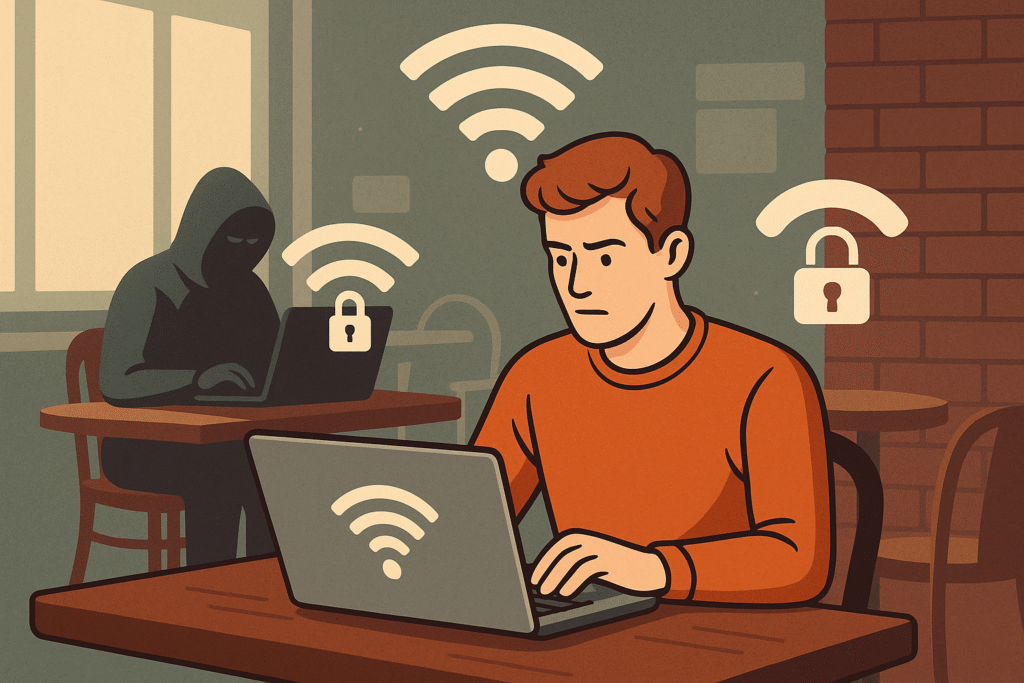
How Secure is Public Wi-Fi? What You Need to Know Before You Connect
We’ve all done it—connected to free Wi-Fi at a café, airport, or hotel without a second thought. It’s fast, free, and convenient. But here’s the catch: public Wi-Fi is one of the most vulnerable ways to get online, and using it carelessly could put your personal data at risk.
Let’s dive into why public Wi-Fi can be dangerous and how you can protect yourself.
🚨 Why Public Wi-Fi is Risky
Public Wi-Fi networks are often unsecured, meaning they don’t require a password or proper encryption to connect. That creates a wide-open door for hackers and snoopers.
🔓 Common Threats on Public Wi-Fi:
-
Man-in-the-Middle (MITM) Attacks
Hackers can intercept the communication between your device and the website or server you’re trying to access, stealing login details, credit card info, or emails. -
Rogue Hotspots
Cybercriminals create fake Wi-Fi networks with names like “Free_Airport_WiFi” to trick users into connecting. Once connected, they monitor your activity. -
Packet Sniffing
Hackers use tools like Wireshark to capture and analyze data packets being transmitted over the network—especially if the websites you’re visiting don’t use HTTPS. -
Malware Distribution
Public networks can be used to push malware onto your device, either through fake software updates or automatic downloads.
🔐 How to Stay Safe on Public Wi-Fi
You don’t have to stop using public Wi-Fi altogether—just follow these tips to stay secure:
✅ 1. Use a VPN (Virtual Private Network)
A VPN encrypts your internet connection, making it extremely difficult for hackers to intercept your data—even on an open network.
✅ 2. Only Visit HTTPS Websites
Look for the padlock icon in the address bar. HTTPS encrypts the data exchanged between your browser and the website.
✅ 3. Avoid Accessing Sensitive Accounts
Don’t log in to banking apps, email, or work portals unless absolutely necessary—and only with a secure connection.
✅ 4. Turn Off Auto-Connect
Disable the auto-connect feature on your phone or laptop so it doesn’t join unknown networks without your knowledge.
✅ 5. Enable Firewall & Keep Software Updated
A basic firewall can block many unauthorized connection attempts. Keeping your OS and antivirus software up to date is also key.
💬 Real Talk: Is It Ever “Safe”?
Public Wi-Fi can be used safely—if you use the right precautions. But without those protections, you’re taking a big risk with your data.
🛡️ If you wouldn’t write your password on a napkin and hand it to a stranger, don’t use unsecured Wi-Fi without safeguards.