
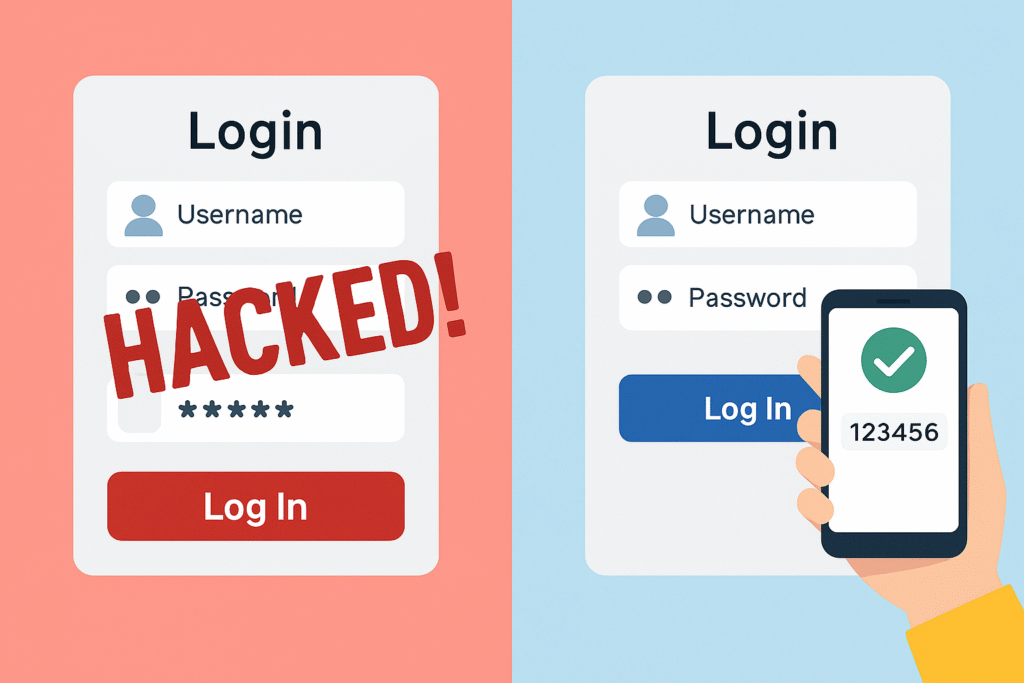
Why Password Managers & Multi-Factor Authentication (MFA) Are Essential for Your Online Security
In today’s digital world, one password is no longer enough. Cyber threats are evolving rapidly, and using simple or reused passwords puts your personal and professional data at serious risk. This is where Password Managers and Multi-Factor Authentication (MFA) step in as your first line of defense.
Let’s break down why these tools are non-negotiable for your cybersecurity hygiene.
🔐 What is a Password Manager?
A password manager is a secure application that stores, generates, and manages your passwords across all websites and services. Instead of remembering dozens of complex passwords, you only need to remember one master password.
✅ Benefits of Using a Password Manager:
-
Strong, unique passwords for each account
-
Auto-fill login credentials securely
-
Secure storage of sensitive info (notes, credit card numbers, etc.)
-
Password breach alerts
-
Works across devices and platforms
Popular options: Bitwarden, LastPass, 1Password, Dashlane
🔒 What is Multi-Factor Authentication (MFA)?
MFA (or 2FA – Two-Factor Authentication) adds an extra layer of security. Even if someone steals your password, they can’t log in unless they also have the second verification method.
🧠 MFA Methods Include:
-
SMS/Email code
-
Authenticator apps (e.g., Google Authenticator, Authy)
-
Biometrics (fingerprint, face ID)
-
Security keys (like YubiKey)
Think of it as a digital deadbolt on your account.
🔍 Why Are They So Important Together?
🛡️ 1. Passwords Alone Are Not Enough
Hackers use phishing, brute-force attacks, and data breaches to gain access. Even the strongest password can be compromised.
🛡️ 2. Password Managers Prevent Reuse
Many users reuse passwords across multiple accounts. A password manager generates unique credentials for each one, reducing the impact of a breach.
🛡️ 3. MFA Stops Unauthorized Logins
Even if someone gets your password, MFA makes sure they can’t get in without the second step.
🛡️ 4. Protection from Phishing & Keyloggers
MFA can stop unauthorized access even if your credentials are entered on a fake site or captured by malware.
🚀 Real-World Example
In 2023, a major data breach exposed login credentials from millions of accounts. Users who had MFA enabled remained secure, while others faced identity theft and financial loss.
📦 Pro Tip: Use Both!
-
Use a password manager to create and store strong, unique passwords.
-
Enable MFA on every account that supports it—especially email, banking, and social media.
💡 Bonus Tip: Don’t rely on SMS-based MFA alone; use authenticator apps or physical security keys for higher protection.
🔚 Final Thoughts
Cybersecurity is not about being paranoid — it’s about being prepared. Password managers and multi-factor authentication are easy to implement and dramatically increase your online safety. Make them a habit today.
💬 Coming Soon:
In upcoming blogs, we’ll explore best practices for securing your mobile devices and how to recognize phishing attempts in real-time.