
Whether you’re a student, sysadmin, developer, or hobbyist, Linux skills are vital. Here’s your go-to list of essential Linux commands, explained simply for everyday use.
📁 File & Directory Management
-
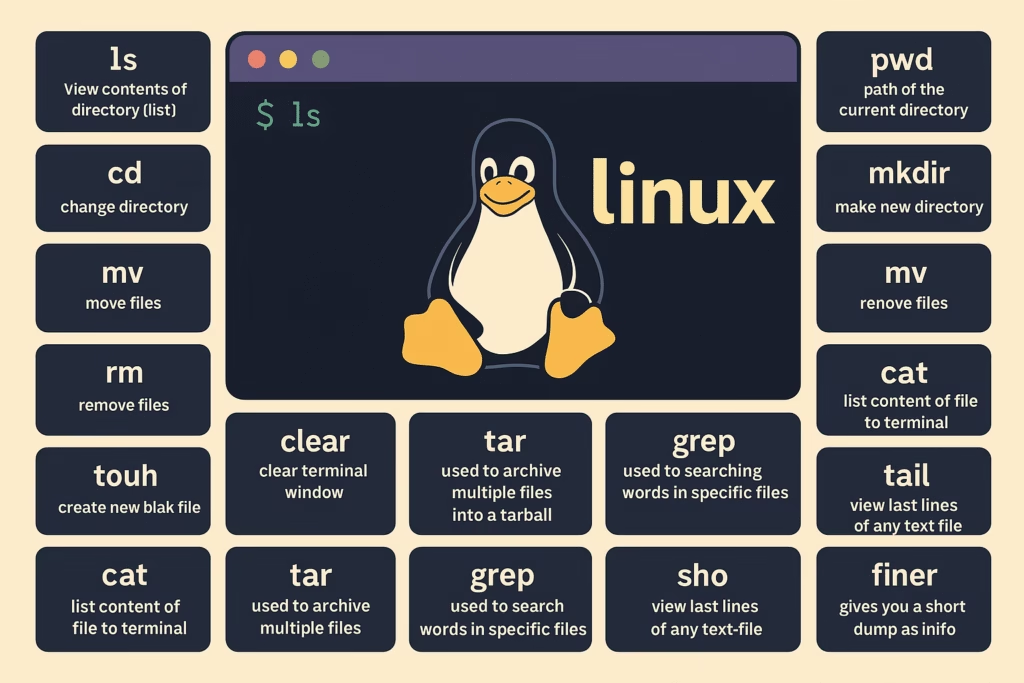
ls– View directory contents (list files and folders) -
pwd– Show the current directory path -
cd– Change directory -
mkdir– Create a new directory -
mv– Move or rename files -
cp– Copy files and directories -
rm– Remove files -
touch– Create a new empty file -
rmdir– Remove a directory -
cat– Display content of a file
🧹 Terminal Utilities
-
clear– Clear the terminal screen -
echo– Display message or redirect text into files -
less– Read text one screen at a time -
man– Access manual/help pages -
sudo– Run commands as root or with admin privileges
🧠 Process & System Monitoring
-
top– Monitor system processes in real time -
tar– Archive/compress files into tarballs -
grep– Search text or patterns within files -
head– Show first lines of a file -
tail– Show last lines of a file
🧮 File Comparison & Process Management
-
diff– Compare contents of two files -
kill– Terminate unresponsive processes -
jobs– View current background jobs -
sort– Sort file lines or output -
df– Disk space usage of file systems -
du– Estimate space used by files or directories
🗜️ Archiving & Networking
-
zip– Compress files into zip archive -
unzip– Extract zip archive contents -
ssh– Secure shell login to remote servers -
cal– Display calendar
📦 Package Management & Shortcuts
-
apt– Manage packages in Debian-based systems -
alias– Create command shortcuts -
w– Show who is logged in and what they are doing -
whereis– Locate source, binary, and man pages -
whatis– One-line description of commands
👤 User Management & Info
-
useradd– Add a new user -
passwd– Change user password -
whoami– Display current username -
uptime– Show system uptime -
free– Display memory usage
🧾 History & System Info
-
history– Show previously used commands -
uname– Display Linux system info -
ping– Check network connectivity -
chmod– Change permissions of files/folders -
chown– Change ownership of files/folders
🔎 Search & Network
-
find– Locate files by name/type/size -
locate– Quickly search files from indexed database -
ifconfig– Show IP and network interfaces (legacy) -
ip a– Modern alternative to ifconfig -
finger– Display user information
🔗 Bonus Resource
Want to dive deeper into Linux?
Explore this Linux Command Cheat Sheet by Ubuntu to strengthen your command line skills.
🧠 Final Thoughts
These top 50 Linux commands form the backbone of working efficiently with a Linux system. With regular usage, they become second nature and empower you to manage files, monitor system resources, and navigate like a pro.
📥 Save this guide or bookmark it for future reference. Happy hacking! 🚀