
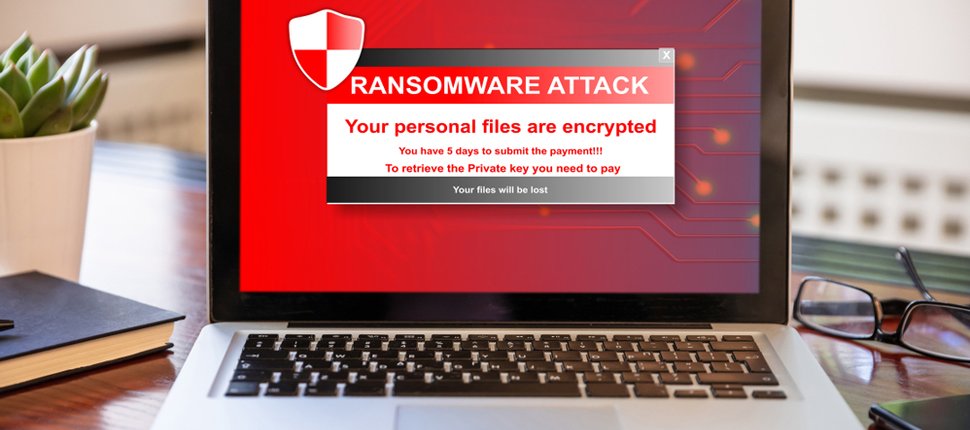
In the world of cybersecurity, ransomware has emerged as one of the most dangerous and fast-growing threats. It can lock you out of your computer or encrypt your data—demanding a ransom for access. But how exactly does it work?
Let’s break it down in simple terms.
🔐 What is Ransomware?
Ransomware is a type of malicious software (malware) that blocks access to a system or encrypts files, rendering them unusable. The attacker then demands payment (usually in cryptocurrency) to restore access.
Think of it as a digital hostage situation—your files or systems are taken captive until you pay the ransom.
🧠 How Does Ransomware Work?
Here’s a step-by-step look at how ransomware typically operates:
1. Infection
Ransomware usually enters a system through:
-
A malicious email attachment
-
Clicking on a fake link
-
Downloading infected software
-
Exploiting a security vulnerability
2. Execution
Once installed, the ransomware:
-
Starts running silently in the background
-
Connects to a command-and-control (C2) server controlled by the attacker
-
Starts encrypting files, changing file names and extensions
3. Demand
You’ll see a ransom note on your screen, stating:
-
Your files are encrypted
-
A ransom must be paid within a certain time (often in Bitcoin)
-
Failure to pay may lead to permanent data loss
4. Payment & Decryption
If the ransom is paid:
-
The attacker may send a decryption key (but there’s no guarantee)
-
If not paid, the files could be deleted or remain locked
🛑 Common Types of Ransomware
-
Crypto Ransomware: Encrypts your files
-
Locker Ransomware: Locks your entire system
-
Scareware: Tricks you into thinking your system is infected
-
Doxware: Threatens to publish stolen data if the ransom isn’t paid
🛡️ How to Protect Yourself from Ransomware
Here are some simple yet powerful ways to reduce your risk:
-
Backup Your Data: Use external drives or cloud storage with versioning.
-
Update Software Regularly: Patch security holes in your OS and apps.
-
Use Antivirus and Anti-Malware Tools: Keep them active and updated.
-
Beware of Phishing Emails: Don’t click unknown links or attachments.
-
Enable Multi-Factor Authentication (MFA): Adds a layer of security.
-
Disable Macros in Office Files: Many ransomware strains use macro scripts.
🚨 Should You Pay the Ransom?
Experts strongly advise against paying the ransom, as it:
-
Doesn’t guarantee file recovery
-
Encourages further attacks
-
May mark you as an easy future target
🔚 Final Thoughts
Ransomware is scary—but with the right precautions, you can minimize the risks. Educate yourself, stay vigilant, and always back up your data. In the fight against cybercrime, knowledge and preparation are your best weapons.