How Secure is Public Wi-Fi? What You Need to Know Before You Connect
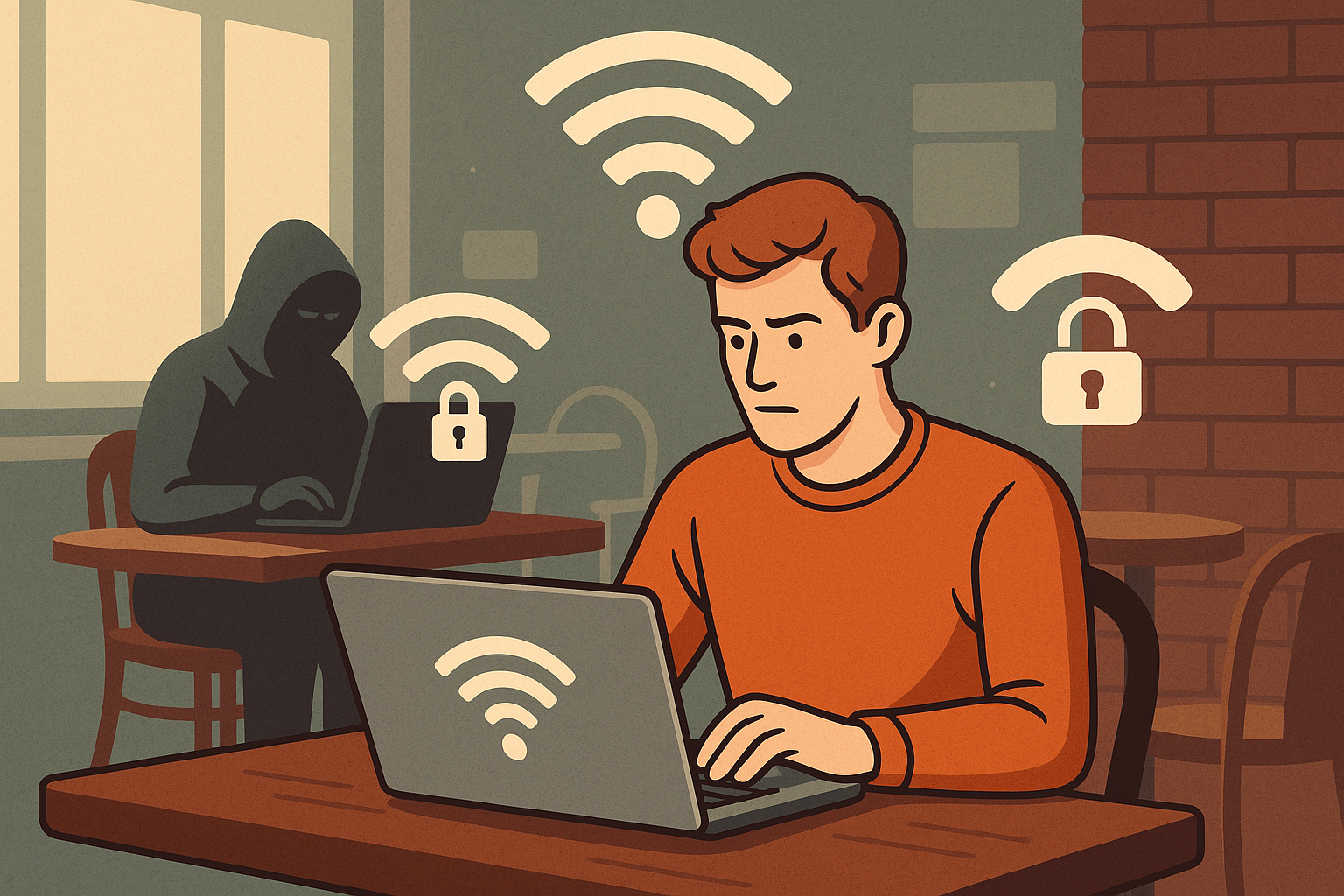
We’ve all done it—connected to free Wi-Fi at a café, airport, or hotel without a second thought. It’s fast, free, and convenient. But here’s the catch: public Wi-Fi is one of the most vulnerable ways to get online, and using it carelessly could put your personal data at risk.
Let’s dive into why public Wi-Fi can be dangerous and how you can protect yourself.
🚨 Why Public Wi-Fi is Risky
Public Wi-Fi networks are often unsecured, meaning they don’t require a password or proper encryption to connect. That creates a wide-open door for hackers and snoopers.
🔓 Common Threats on Public Wi-Fi:
Man-in-the-Middle (MITM) Attacks
Hackers can intercept the communication between your device and the website or server you’re trying to access, stealing login details, credit card info, or emails.Rogue Hotspots
Cybercriminals create fake Wi-Fi networks with names like “Free_Airport_WiFi” to trick users into connecting. Once connected, they monitor your activity.Packet Sniffing
Hackers use tools like Wireshark to capture and analyze data packets being transmitted over the network—especially if the websites you’re visiting don’t use HTTPS.Malware Distribution
Public networks can be used to push malware onto your device, either through fake software updates or automatic downloads.
🔐 How to Stay Safe on Public Wi-Fi
You don’t have to stop using public Wi-Fi altogether—just follow these tips to stay secure:
✅ 1. Use a VPN (Virtual Private Network)
A VPN encrypts your internet connection, making it extremely difficult for hackers to intercept your data—even on an open network.
✅ 2. Only Visit HTTPS Websites
Look for the padlock icon in the address bar. HTTPS encrypts the data exchanged between your browser and the website.
✅ 3. Avoid Accessing Sensitive Accounts
Don’t log in to banking apps, email, or work portals unless absolutely necessary—and only with a secure connection.
✅ 4. Turn Off Auto-Connect
Disable the auto-connect feature on your phone or laptop so it doesn’t join unknown networks without your knowledge.
✅ 5. Enable Firewall & Keep Software Updated
A basic firewall can block many unauthorized connection attempts. Keeping your OS and antivirus software up to date is also key.
💬 Real Talk: Is It Ever “Safe”?
Public Wi-Fi can be used safely—if you use the right precautions. But without those protections, you’re taking a big risk with your data.
🛡️ If you wouldn’t write your password on a napkin and hand it to a stranger, don’t use unsecured Wi-Fi without safeguards.