
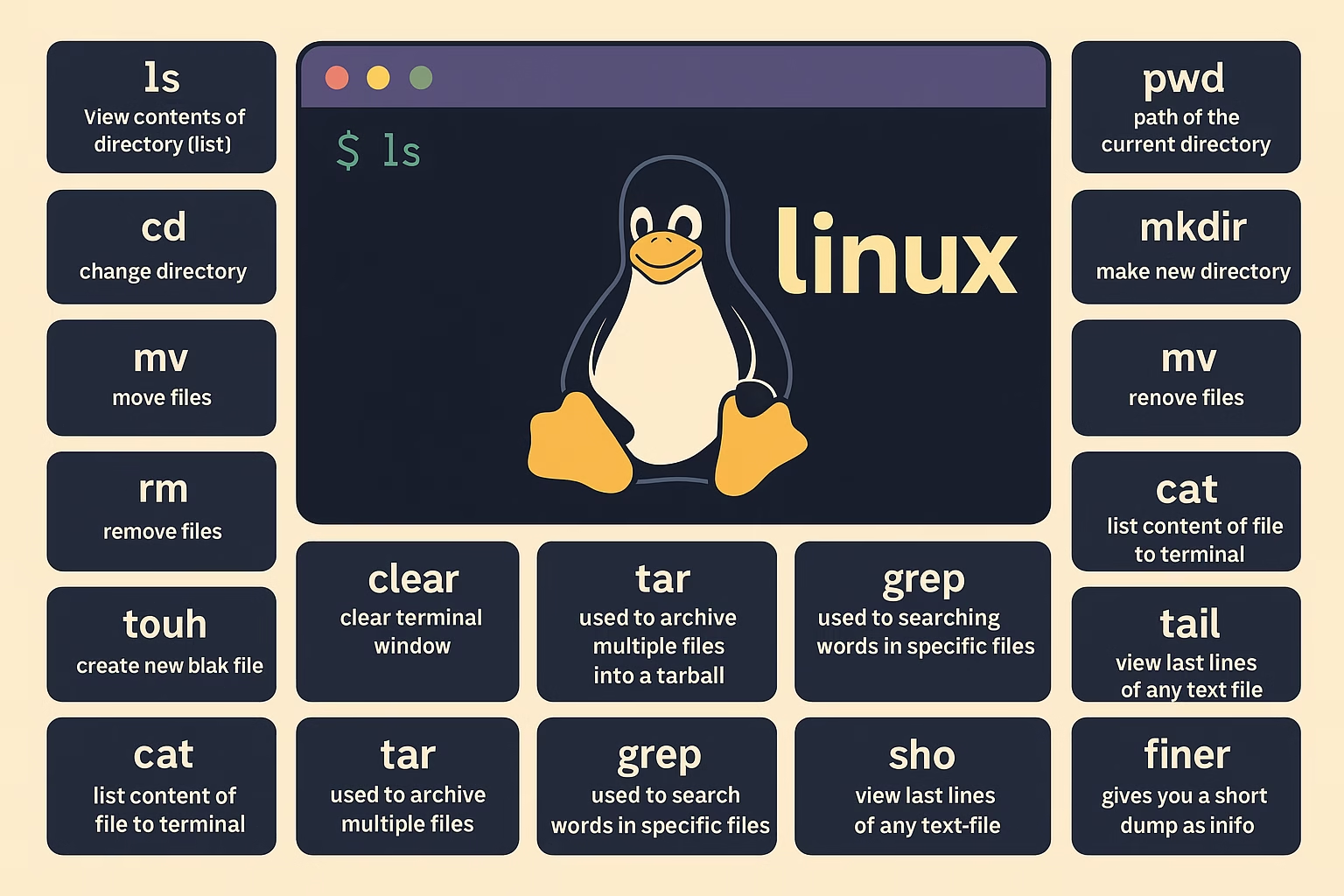
Whether you’re a student, sysadmin, developer, or hobbyist, Linux skills are vital. Here’s your go-to list of essential Linux commands, explained simply for everyday use.
📁 File & Directory Management
ls– View directory contents (list files and folders)pwd– Show the current directory pathcd– Change directorymkdir– Create a new directorymv– Move or rename filescp– Copy files and directoriesrm– Remove filestouch– Create a new empty filermdir– Remove a directorycat– Display content of a file
🧹 Terminal Utilities
clear– Clear the terminal screenecho– Display message or redirect text into filesless– Read text one screen at a timeman– Access manual/help pagessudo– Run commands as root or with admin privileges
🧠 Process & System Monitoring
top– Monitor system processes in real timetar– Archive/compress files into tarballsgrep– Search text or patterns within fileshead– Show first lines of a filetail– Show last lines of a file
🧮 File Comparison & Process Management
diff– Compare contents of two fileskill– Terminate unresponsive processesjobs– View current background jobssort– Sort file lines or outputdf– Disk space usage of file systemsdu– Estimate space used by files or directories
🗜️ Archiving & Networking
zip– Compress files into zip archiveunzip– Extract zip archive contentsssh– Secure shell login to remote serverscal– Display calendar
📦 Package Management & Shortcuts
apt– Manage packages in Debian-based systemsalias– Create command shortcutsw– Show who is logged in and what they are doingwhereis– Locate source, binary, and man pageswhatis– One-line description of commands
👤 User Management & Info
useradd– Add a new userpasswd– Change user passwordwhoami– Display current usernameuptime– Show system uptimefree– Display memory usage
🧾 History & System Info
history– Show previously used commandsuname– Display Linux system infoping– Check network connectivitychmod– Change permissions of files/folderschown– Change ownership of files/folders
🔎 Search & Network
find– Locate files by name/type/sizelocate– Quickly search files from indexed databaseifconfig– Show IP and network interfaces (legacy)ip a– Modern alternative to ifconfigfinger– Display user information
🔗 Bonus Resource
Want to dive deeper into Linux?
Explore this Linux Command Cheat Sheet by Ubuntu to strengthen your command line skills.
🧠 Final Thoughts
These top 50 Linux commands form the backbone of working efficiently with a Linux system. With regular usage, they become second nature and empower you to manage files, monitor system resources, and navigate like a pro.
📥 Save this guide or bookmark it for future reference. Happy hacking! 🚀

Simply wish to say your article is as astounding.
The clearness in your put up is simply cool and that i could think you’re knowledgeable in this subject.
Well along with your permission allow me to seize your RSS feed
to keep up to date with approaching post. Thank you 1,000,000 and
please keep up the enjoyable work.